This guide shows you how to set up and run OpenClaw Ultra with the one-click deployment flow. Follow the steps below to get your first AI automation running in minutes.
Deploy Now (One-Click Setup)
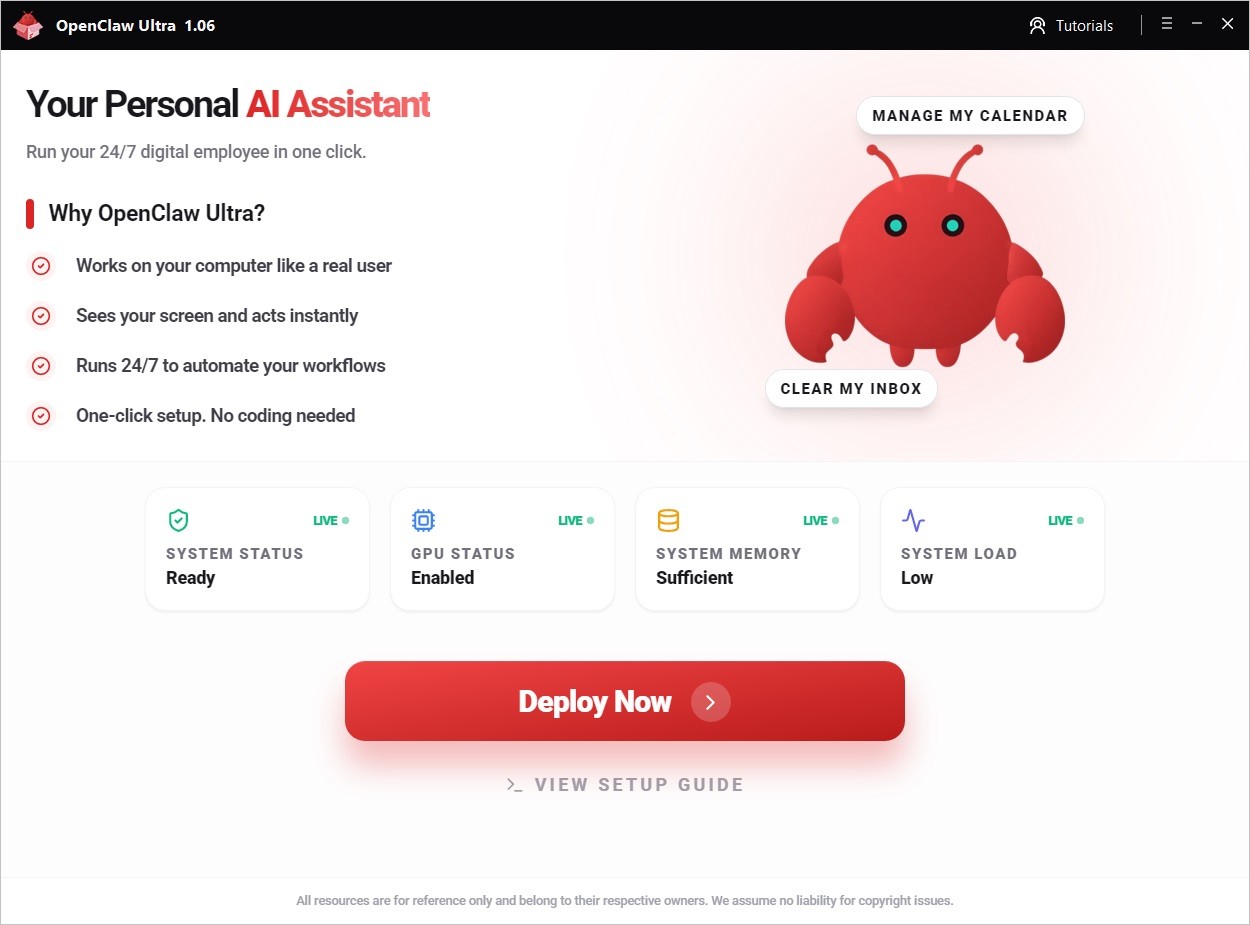
- Open OpenClaw Ultra
- Click Deploy Now ⓘ
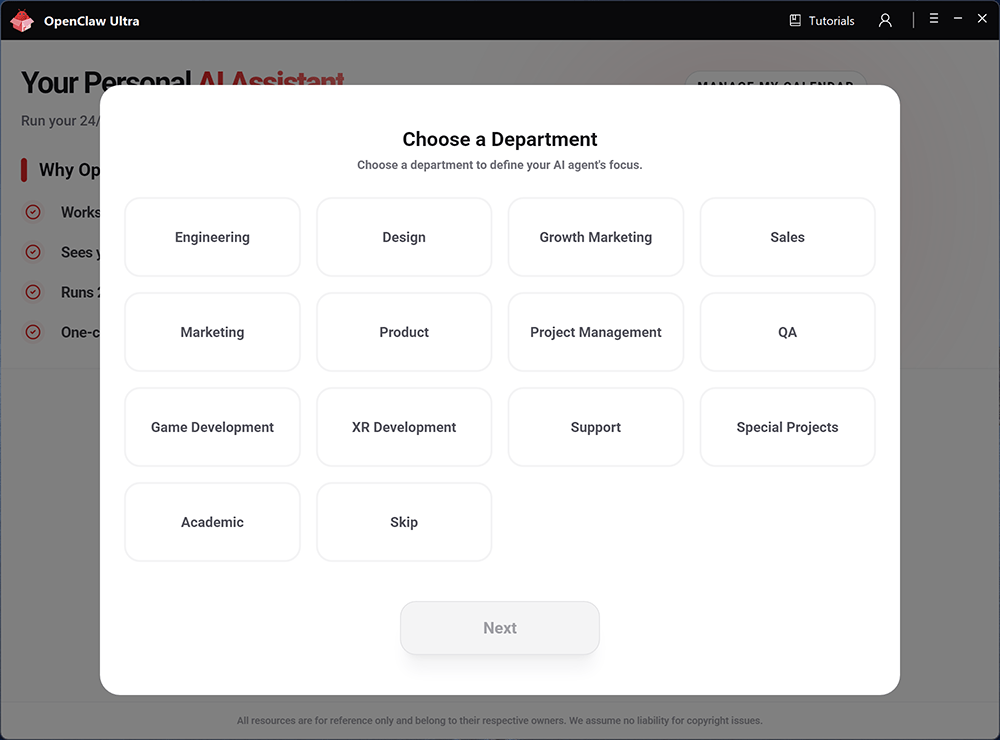
- Select a Department
- Choose an Agent Role (Not sure? Click Skip or see Choose Your Agent Role )Choose Agent Role
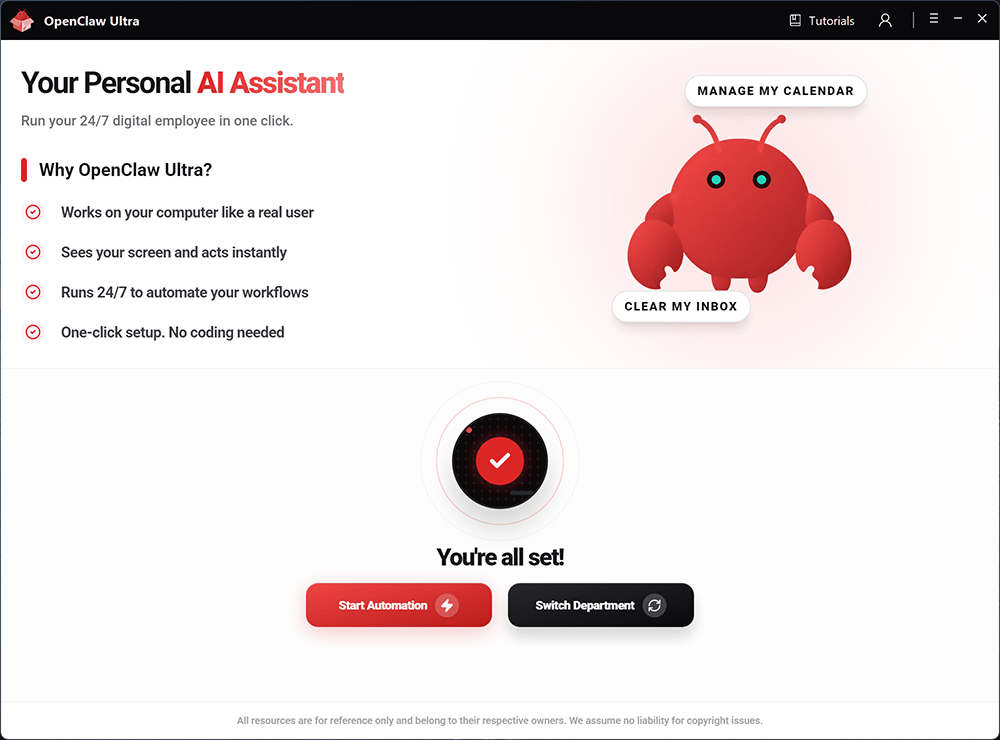
- Wait for the deployment to complete automatically, then click Start AutomationStart Automation
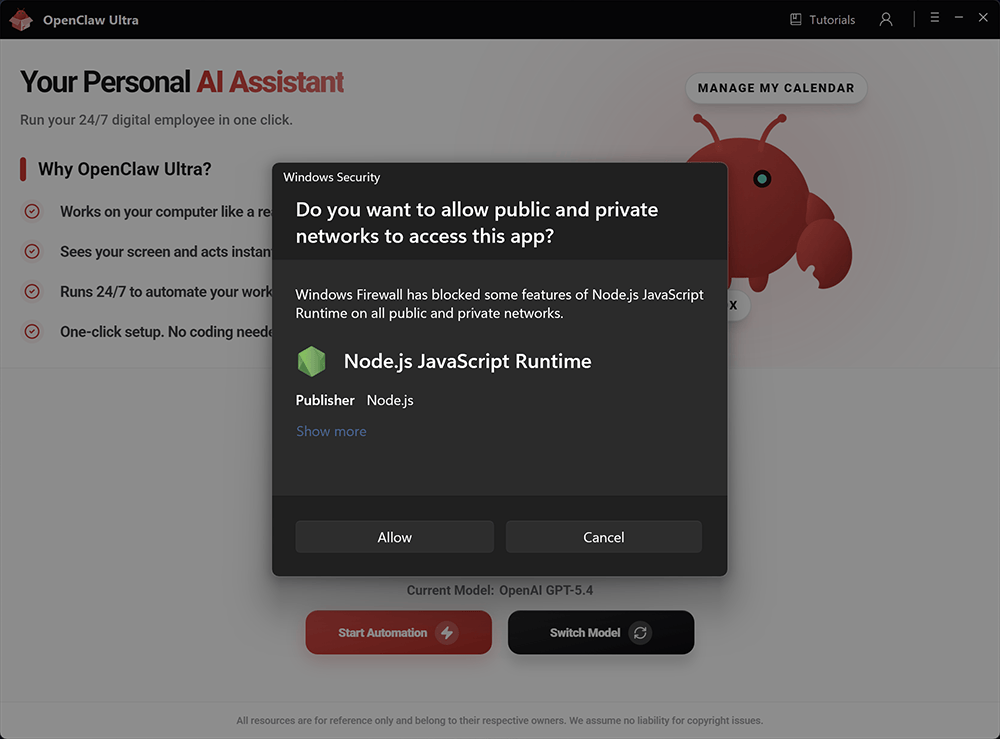
- OpenClaw runs on Node.js internally. If your system prompts you to allow Node.js to run, click Allow. Blocking Node.js will prevent OpenClaw from functioning properly.
Model Selection Tips
| AI Provider | Model | Features |
|---|
| OpenAI | GPT-5.4 | Complex reasoning |
| OpenAI | GPT-5.4 Mini | Ultra fast |
| OpenAI | GPT-5.3 Codex | Expert coding |
| OpenAI | GPT-4o Mini | Everyday tasks |
| Google Gemini | Gemini 3.1 Flash | Instant responses |
| Google Gemini | Gemini 3.1 Pro | Creative multimodal |
| Qwen | Qwen3 Max | Powerful versatile |
| Qwen | Qwen3 Coder | Expert coding |
| xAI | Grok-4.2 | Real-time insights |
| DeepSeek | DeepSeek V3.2 | Leading open-source |
| Moonshot Kimi | Kimi 2.5 | Deeper reasoning |
| Anthropic | Claude Sonnet 4.6 | Advanced coding |
| Anthropic | Claude Opus 4.6 | Deep programming |
| MiniMax | MiniMax M2.7 | Agentic Tasks |
After deployment, open the OpenClaw Chat interface. You’ll use it to start your automations.
Showing 5/11 sections. Full content: https://openclaw.aiondesktop.com/tutorials/5