OpenClaw (formerly known as Moltbot) is an AI-powered automation platform for streamlining tasks and workflows. How does OpenClaw work? It connects to AI models and turns your instructions into automated actions — no coding required. OpenClaw Ultra is the desktop app for running OpenClaw on Windows.
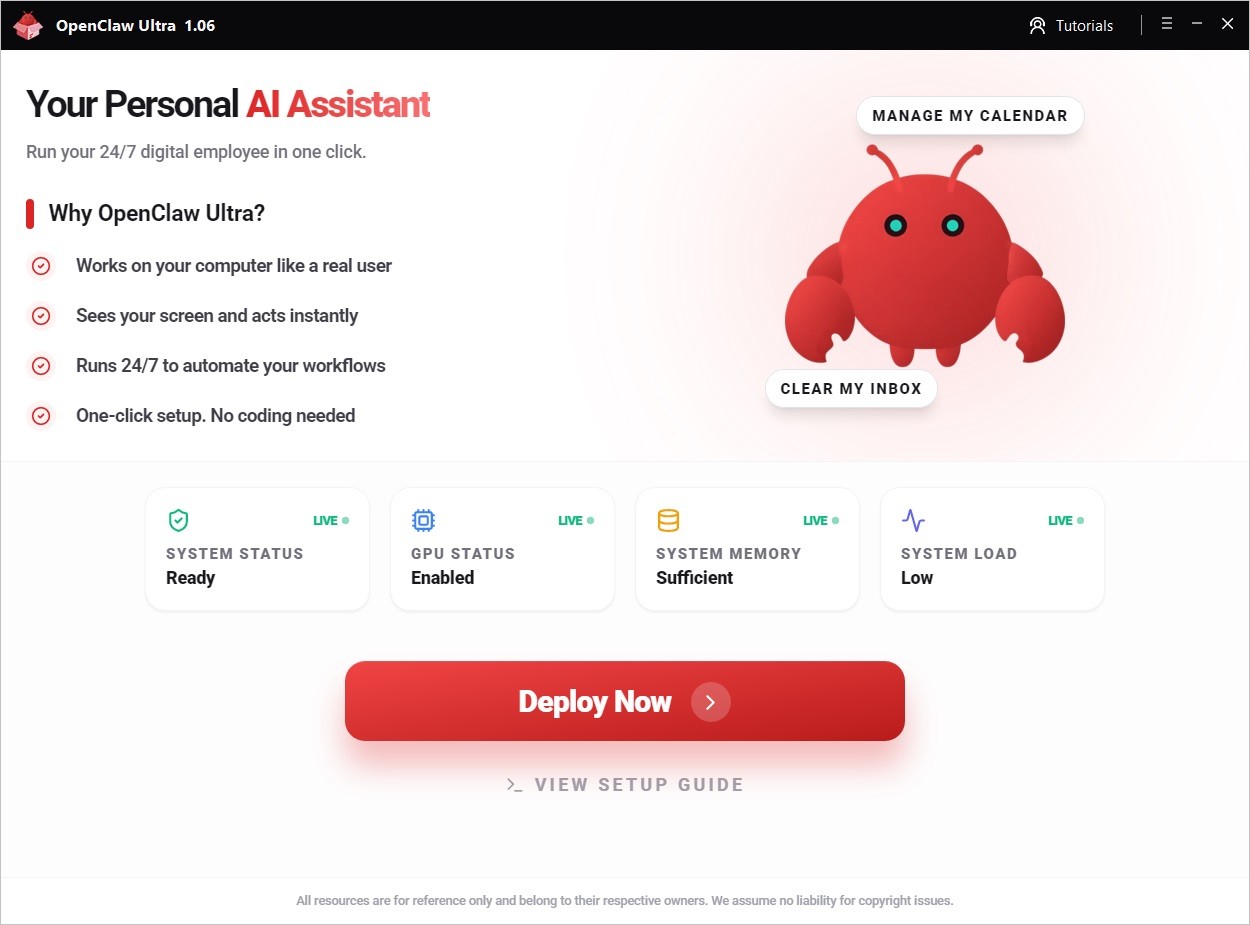
Check the table below for a comparison.
| OpenClaw (Self-deployed) | OpenClaw Ultra (Windows Desktop) |
|---|
| You need to deploy the runtime (often with scripts / Docker) | One-click install, ready to use |
| You handle environment setup (ports, files, dependencies) | Out of the box experience, zero config |
| You wire up providers/models/keys by yourself | Built-in UI to select provider + model + paste API key |
| You maintain upgrades and troubleshoot infra issues | Local app updates and simpler troubleshooting |
| Better if you want full infrastructure control | Avoid uncertainties and get started fast |
INFO
This tutorial series focuses on OpenClaw Ultra (Windows desktop). The next step, Download & Install, is installing OpenClaw Ultra.
Before You Start, Know These:
OpenClaw is not just an AI chat tool — it’s designed to execute and automate tasks, not just answer questions.
With OpenClaw, you can:
File Management
- Read, edit, and organize files
- Batch rename and manage folders
- Generate code and scripts
- Organize entire project directories
Web Automation
- Search and collect information
- Open websites and complete actions automatically
- Capture web content and save results
Scheduling & Reminders
- Run scheduled tasks automatically
- Get reminders for important events
- Manage your to-do list
Full content: https://openclaw.aiondesktop.com/tutorials/1